
A calm guide to choosing a quiet, compact laptop when your kitchen table is also your office.
Read the guideThe APT Specs library
Search by device or browse the complete editorial archive.
A calm guide to choosing a quiet, compact laptop when your kitchen table is also your office.
Read the guide
Spend on the parts that make lectures, research, and late-night assignments easier.
Read the guide
Choose by workflow, ports, software, and repair expectations—not tribal loyalty.
Read the guide
A scenario-led way to decide what belongs in your carry-on.
Read the guide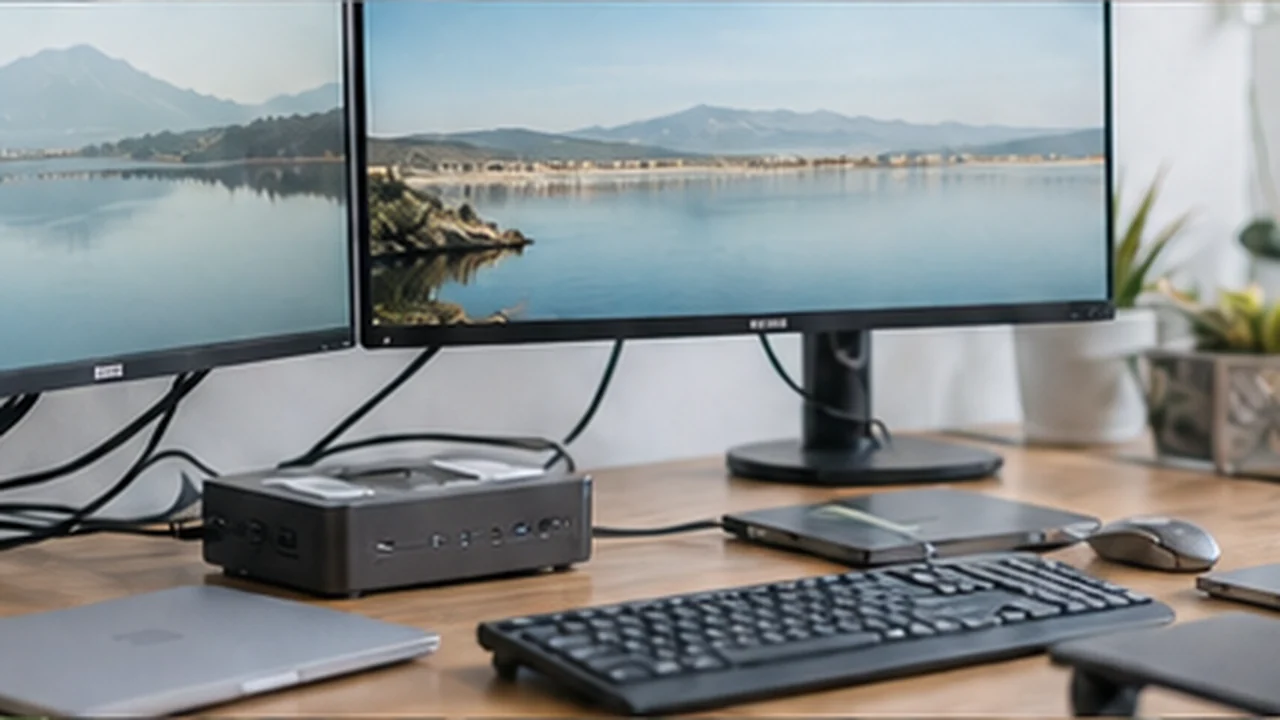
The ports, power delivery, and display details that prevent dock regret.
Read the guide
How shape, grip, switching, and desk space affect daily comfort.
Read the guide
Enjoy a better typing feel without becoming the loudest person in the room.
Read the guide
When a second screen helps—and when it is just extra weight.
Read the guide
Match screen size and resolution to viewing distance, tasks, and desk depth.
Read the guide
Look for dependable exposure, framing, and audio before chasing resolution.
Read the guide
A realistic look at endurance for commuting, maps, photos, and messaging.
Read the guide
Screen size tells only part of the comfort story.
Read the guide
Prioritize fast capture, skin tones, motion, and storage over camera-count marketing.
Read the guide
Pick the wearable you will actually charge and wear.
Read the guide
Battery, warranty, network compatibility, and seller policies deserve a closer look.
Read the guide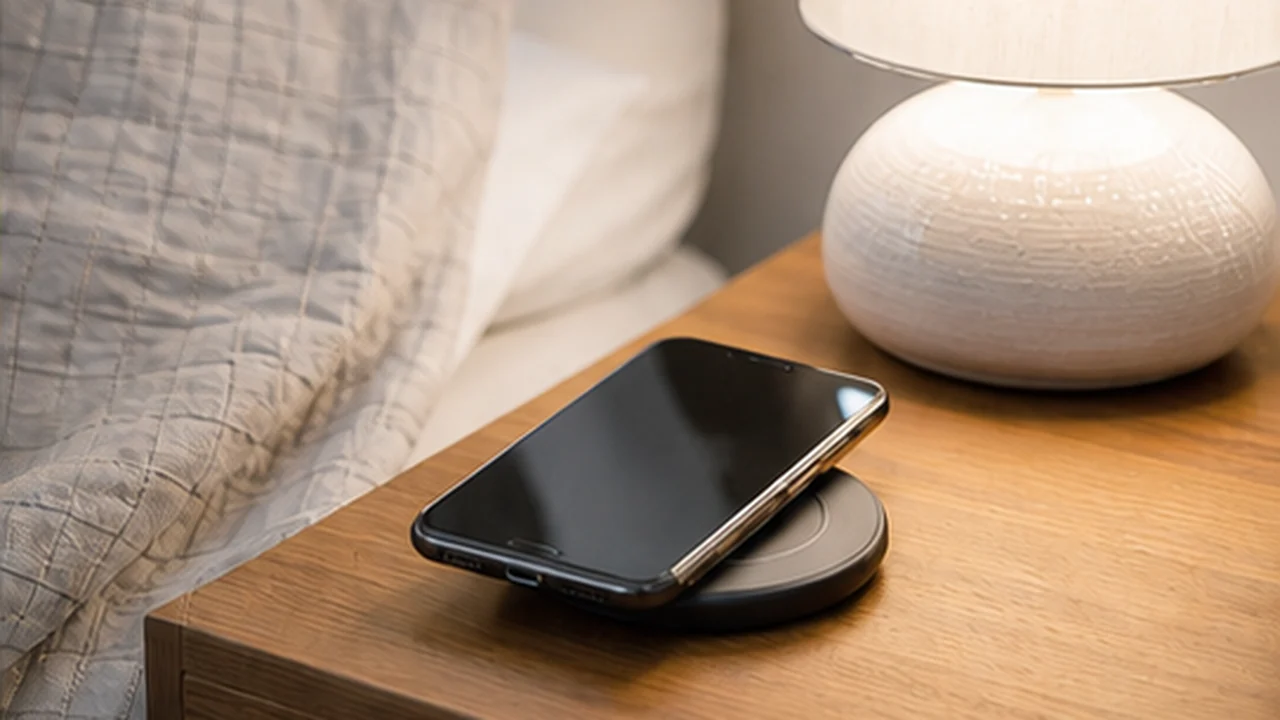
A stable overnight charger can be more useful than the fastest one.
Read the guide
Balance isolation, comfort, transparency mode, and bag space.
Read the guide
Fit kits, shell size, controls, and return policies matter more than hype.
Read the guide
Good placement and sensible bass beat oversized hardware.
Read the guide
A simple mic setup can sound professional without taking over the desk.
Read the guide
Choose the setup that fits your room, dialogue needs, and tolerance for cables.
Read the guide
Understand privacy, sound leakage, and room noise before buying.
Read the guide
Build useful lighting routines while keeping the landlord happy.
Read the guide
Look closely at local storage, alerts, power, and ongoing costs.
Read the guide
Brush design, thresholds, bin size, and cleanup routine shape the result.
Read the guide
Use trends to improve ventilation without obsessing over every number.
Read the guide
Timers and energy visibility can be useful when automation stays simple.
Read the guide
Placement and wired backhaul can matter more than the number on the box.
Read the guide
Plan around plug shapes, USB charging, and appliance voltage.
Read the guide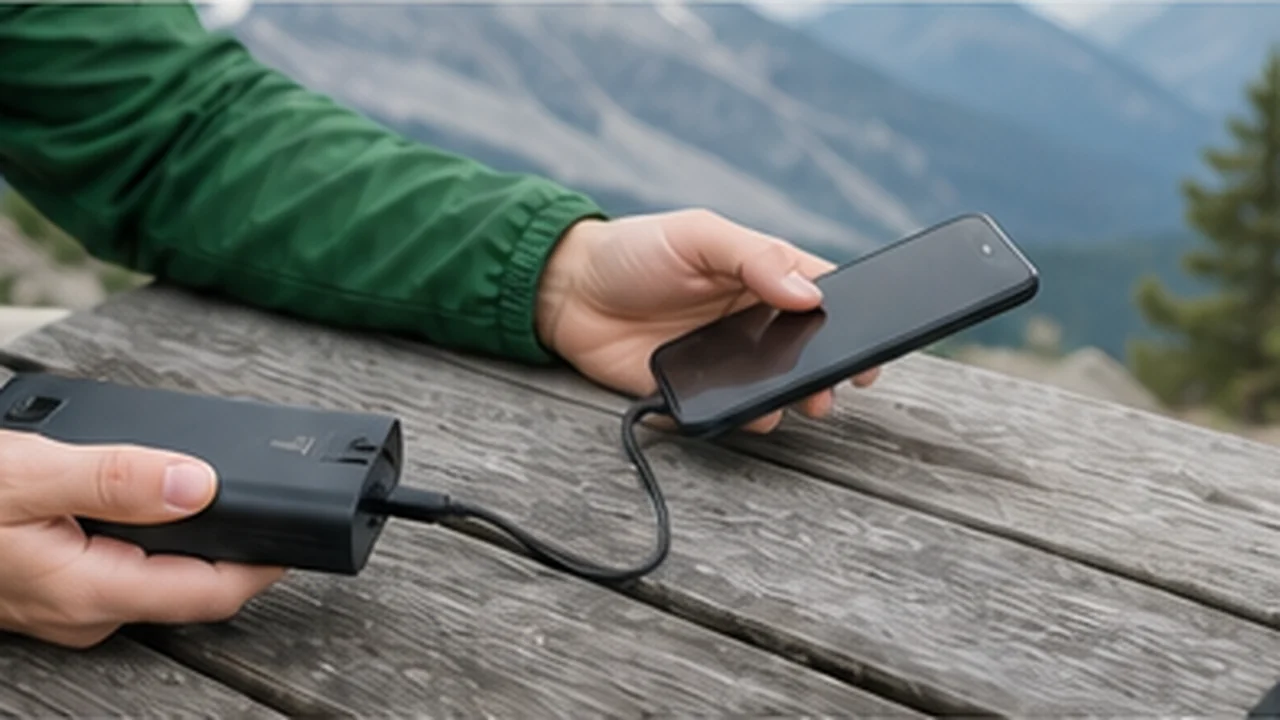
Match usable capacity and ports to the devices you truly carry.
Read the guide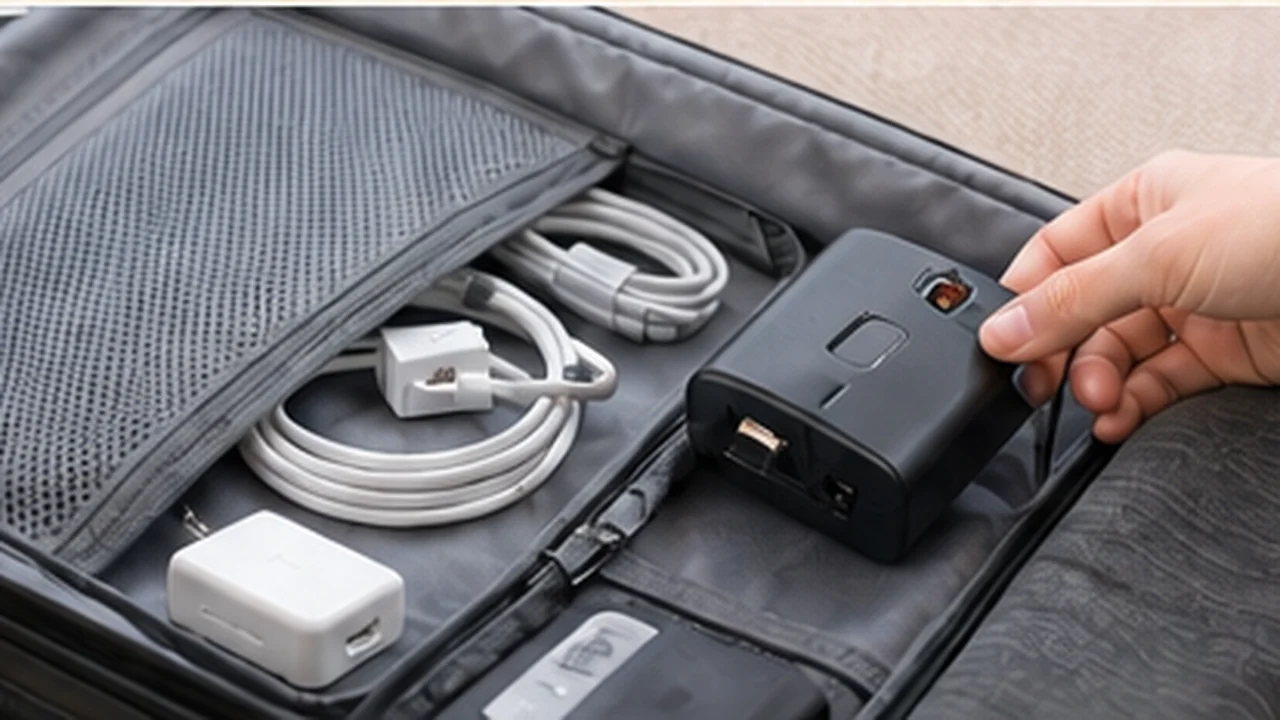
One good multi-port charger can replace a pouch of wall bricks.
Read the guide
Know what crowd networks can—and cannot—tell you in transit.
Read the guide
A travel router helps specific workflows, but it is not a magic privacy box.
Read the guide
Screen warmth, weight, library access, and battery habits guide the choice.
Read the guide
A durable backup routine matters more than headline transfer speed.
Read the guide
Upgrade for a real bottleneck, not a newer number.
Read the guide
Compare text clarity, contrast, brightness, and long static work sessions.
Read the guide
Performance is useful, but weight, fan noise, and battery follow you to class.
Read the guide
Think about ink drying, duplex printing, scanning, and cost between jobs.
Read the guide
Stability, setup speed, and considerate use matter on a real trip.
Read the guideNo guides match that search. Try a broader phrase.